Connect to Claude
Prerequisites
https://app.automiel.com/mcp/<your-api-key>Steps
1. Open Claude.ai Connectors
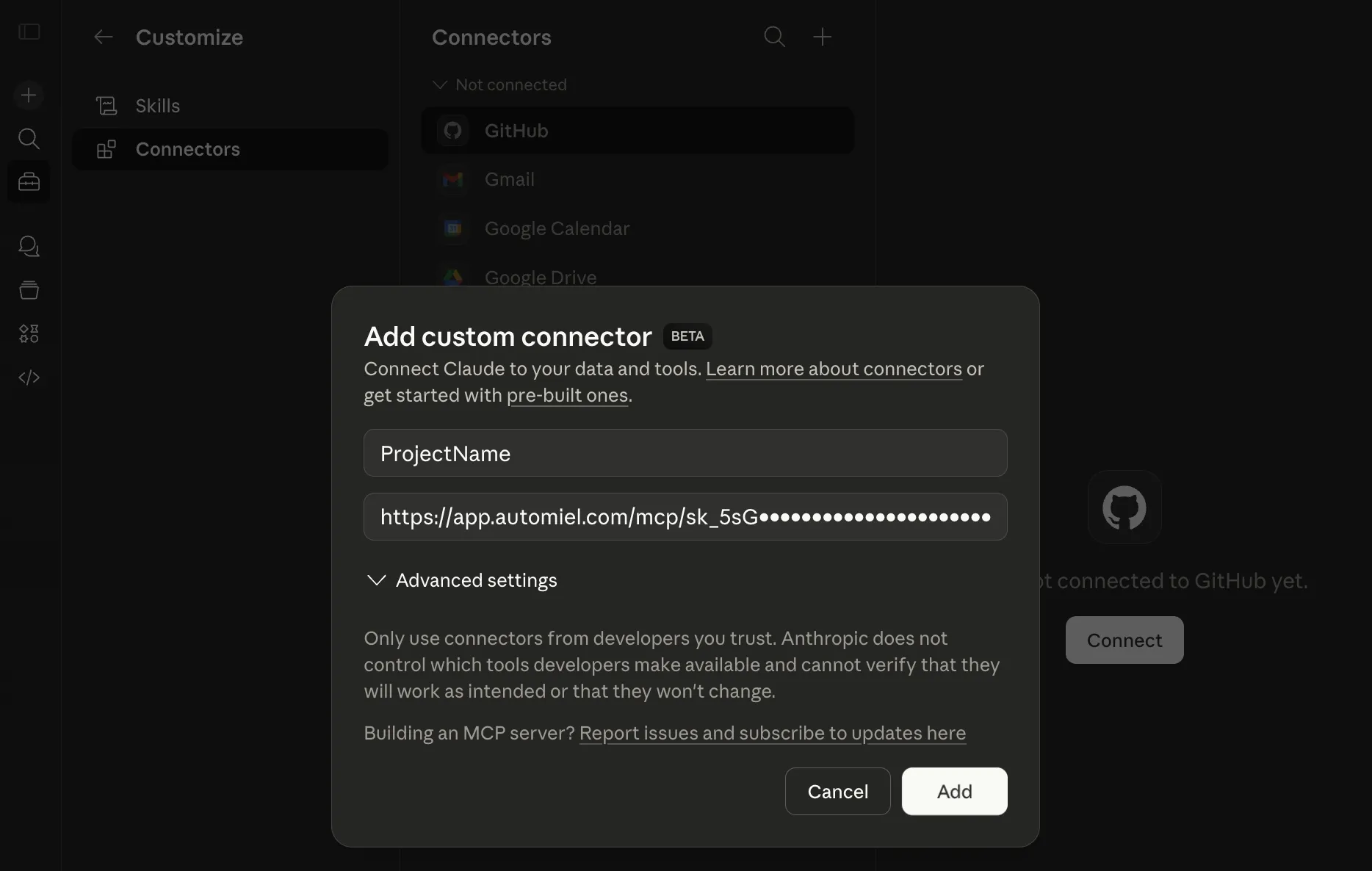
- Go to claude.ai and click Customize → Connectors.
2. Add your MCP Server
- Click Add custom connector.
- Enter your project’s name - For example “My Api”.
- Paste your MCP Server URL and click Add.
https://claude.ai/customize/connectors
3. Verify the connection
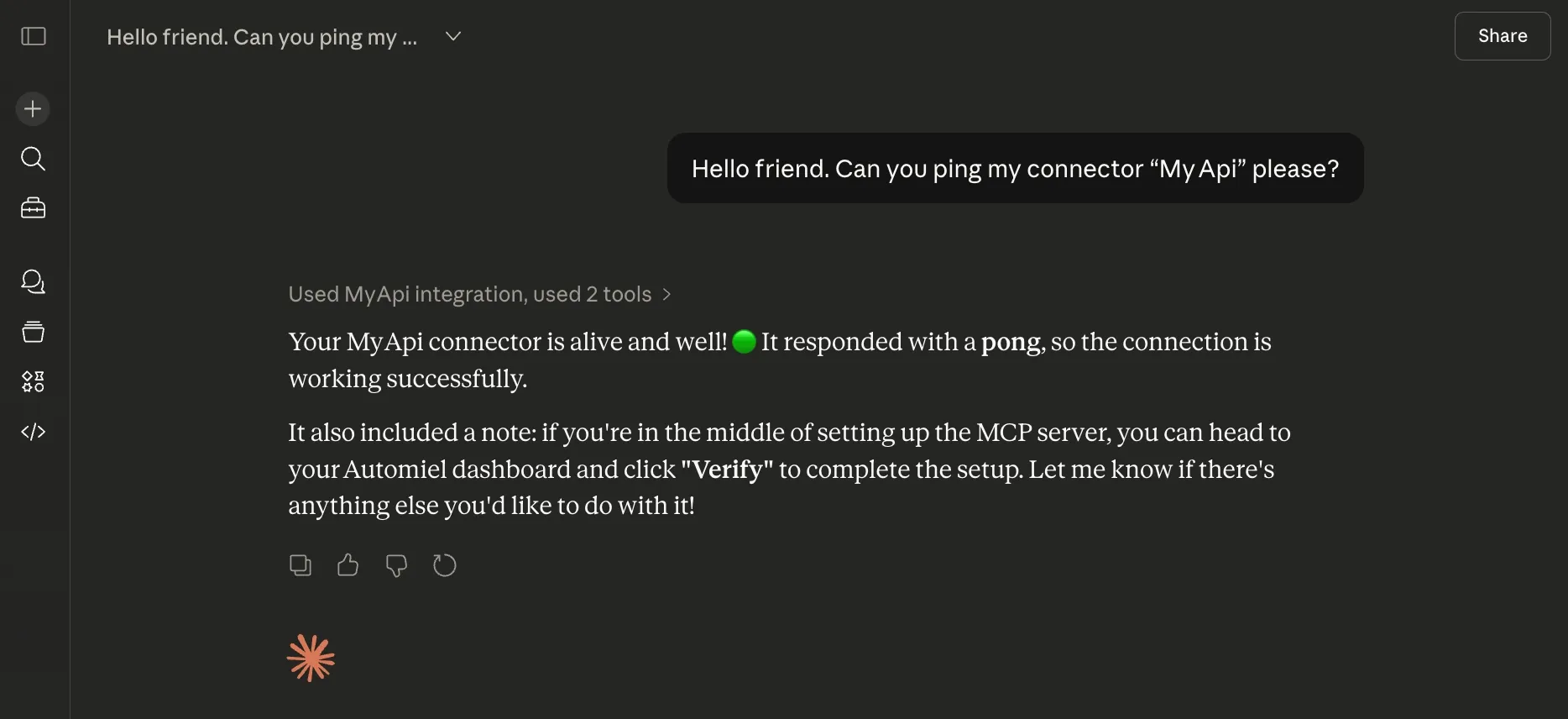
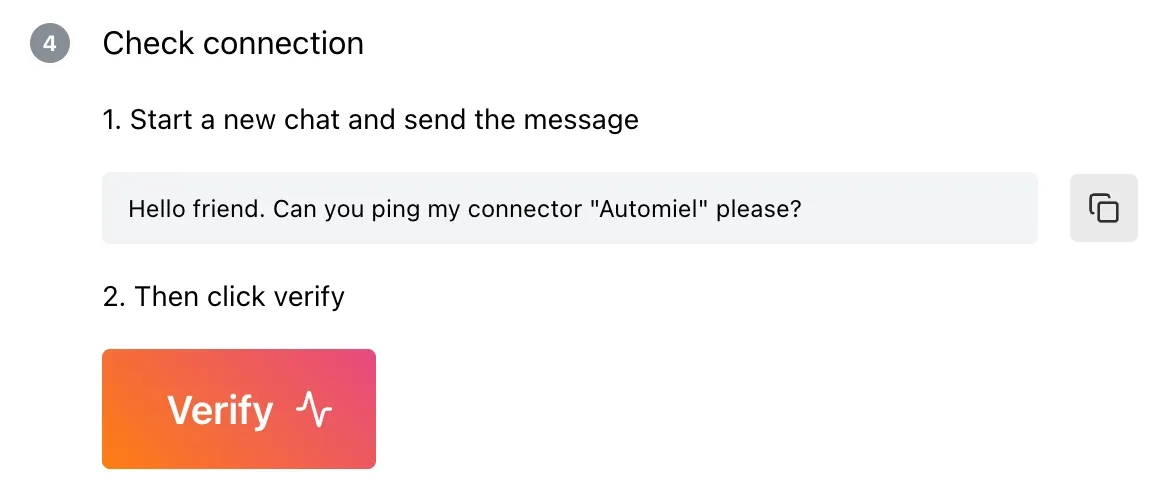
- Start a new conversation and ask Claude:
Hello friend. Can you ping my connector “My Api” please?
- Go back to Automiel dashboard and click Verify
- You’re connected 🎉
https://claude.ai/chat/abc
https://app.automiel.com/app/abc
https://app.automiel.com/app/abc
