Other MCP Clients
Prerequisites
https://app.automiel.com/mcp/<your-api-key>Windsurf
1. Add your server
Edit ~/.codeium/windsurf/mcp_config.json:
{
  "mcpServers": {
    "My Api": {
      "serverUrl": "https://app.automiel.com/mcp/<your-api-key>"
    }
  }
}
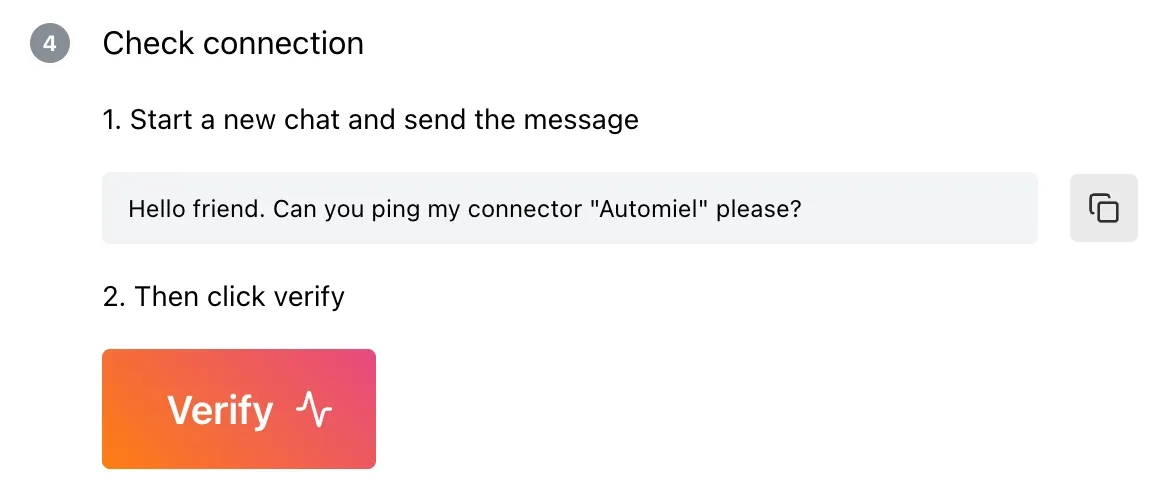
2. Verify the connection
- Restart Windsurf and open a new Cascade conversation:
Hello friend. Can you ping my connector “My Api” please?
- Go back to Automiel dashboard and click Verify
- You’re connected 🎉
Zed
1. Add your server
Edit ~/.config/zed/settings.json:
{
  "context_servers": {
    "My Api": {
      "settings": {
        "url": "https://app.automiel.com/mcp/<your-api-key>"
      }
    }
  }
}
2. Verify the connection
- Restart Zed and open a new Assistant conversation:
Hello friend. Can you ping my connector “My Api” please?
- Go back to Automiel dashboard and click Verify
- You’re connected 🎉
Continue
1. Add your server
Edit ~/.continue/config.json under mcpServers:
{
  "mcpServers": [
    {
      "name": "My Api",
      "transport": {
        "type": "sse",
        "url": "https://app.automiel.com/mcp/<your-api-key>"
      }
    }
  ]
}
2. Verify the connection
- Reload Continue and open a new chat:
Hello friend. Can you ping my connector “My Api” please?
- Go back to Automiel dashboard and click Verify
- You’re connected 🎉
https://app.automiel.com/app/abc
https://app.automiel.com/app/abc
